Basketball Arcade Guides
Basketball Arcade Game Controls Explained: Why Schemes Differ
One button, drag-to-aim, hold-and-release — why the scheme a game chooses changes what it is really testing.
A control scheme is not a wrapper around a game. It is a large part of the game, because it decides which variable you spend your attention on.
This article is about what each scheme is really testing, so you can pick games that suit how you like to think. For the practical reference — which key does what — see the controls guide.
Scheme 1: the single tap
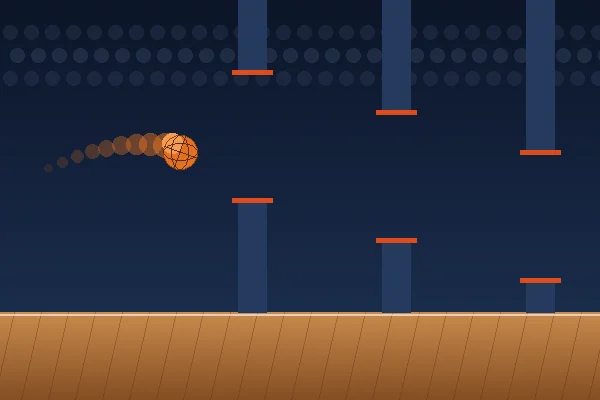
One input, no duration, no direction. Press at the right moment.
What it tests: timing and anticipation.
Used by: Basketball Hoop Rush, Basketball Precision Shot, the 3-Point Challenge, Dunk Challenge for its main action.
The common misreading: that one button means a simple game. The opposite is usually true. When there is only one variable, every failure is attributable to it — there is nothing else to blame and nowhere to hide a bad input. One-button games tend to have the highest precision requirements in the genre.
Best on: everything. A tap is the most portable input there is, which is why the scheme dominates mobile-friendly games.
Scheme 2: drag to aim
Direction and distance in one gesture. Usually direction sets the angle and distance sets the power.
What it tests: combined spatial judgement — arc and distance at once.
Used by: Basketball Shooting Challenge.
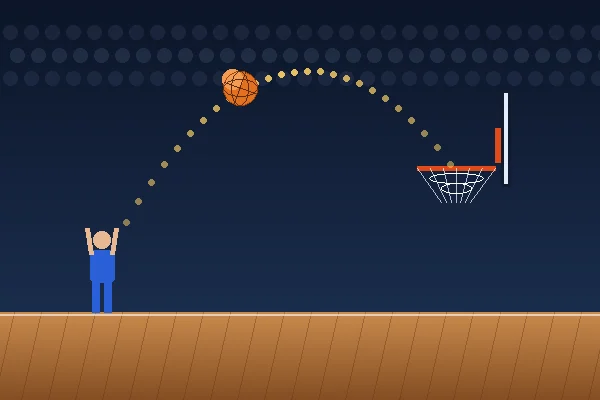
The strength: total control. You can produce any shot the physics allows, including deliberately odd ones like a very high lob or a flat bank shot off the board.
The weakness: two variables means two ways to be wrong, and a miss does not tell you which. This is why our accuracy guide recommends fixing the angle and varying only power while you learn — it artificially converts a two-variable game into a one-variable one until your calibration is reliable.
Best on: desktop, or a phone in landscape. A drag needs room.
Scheme 3: hold and release
The input has a duration. Hold to charge, let go to act.
What it tests: the same distance judgement as a meter, but with your finger committed throughout, which changes how it feels considerably.
Used by: Basketball Time Attack.
Why it is distinctive: in every other scheme, your input is an instant. Here it is a span, and you can watch the power rise while deciding. That sounds easier and is not — the charge bar ping-pongs back down if you hold too long, so indecision is punished directly.
Best on: desktop or a phone where you are comfortable holding a finger down. It is the scheme most players need a round to adapt to.
Scheme 4: sweeping variable plus a single release
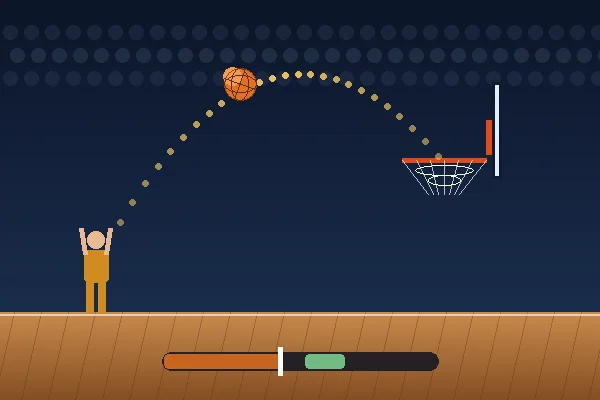
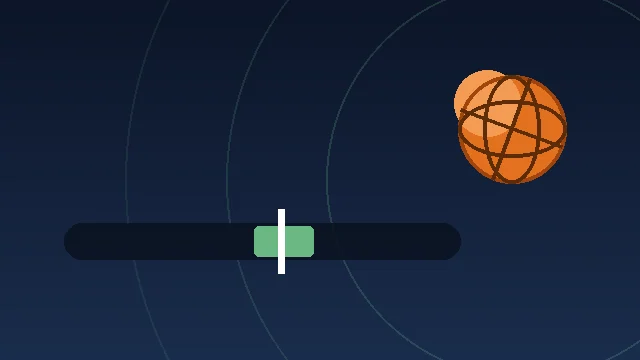
The game animates one variable back and forth automatically; you choose when to stop it.
What it tests: reading a moving value and anticipating, rather than producing a value yourself.
Used by: the 3-Point Challenge (sweeping power), Basketball Precision Shot (sweeping angle).
Why designers use it: it converts an analogue judgement into a timing decision, which is far easier to express on a touchscreen than a precise value would be. It is the reason these games play identically on a phone and a desktop.
Scheme 5: continuous modifiers
A held input that changes an ongoing state rather than triggering an action.
Used by: the brake and sprint controls in Dunk Challenge.
Why it matters: it is the only scheme here that adds a strategic layer rather than a precision one. Braking and sprinting change the size and position of your timing window, so you are choosing the conditions under which you will be tested. That is a different kind of decision from any of the above.
Matching a scheme to how you think
| If you prefer… | Play |
|---|---|
| Rhythm and flow | Single tap — Hoop Rush |
| Precision and patience | Sweeping release — Precision Shot |
| Full control | Drag to aim — Shooting Challenge |
| Pressure and commitment | Hold and release — Time Attack |
| Strategic choices | Continuous modifiers — Dunk Challenge |
One scheme, several inputs
A point worth making about how these games are built. Every scheme above is implemented once and exposed through four input methods: keyboard, mouse, touch and on-screen buttons.
That is possible because browsers provide Pointer Events, a single API that reports mouse, touch and stylus input through the same code path. A game written against it works with a finger or a mouse without special-casing either.
The practical result for players: you can switch devices without relearning anything, and keyboard-only play is not a degraded fallback but the same game through a different door.
Designing for two pointer types at once
The hardest constraint in modern browser game design: the same game must work with a mouse — precise, hoverable, with a visible cursor — and a finger, which is imprecise, has no hover state, and covers the thing it is touching.
Three techniques do most of the work.
Make the target enormous. Every game here accepts a tap anywhere on the playfield as its main action. There is no accuracy requirement on the input itself, which removes the finger's main disadvantage entirely.
Replace hover with animation. A mouse can hover to preview; a finger cannot. So the preview runs automatically — the sweeping angle in Basketball Precision Shot shows you the trajectory without requiring any input at all.
Convert values into timing. A mouse can express "73 per cent power" by position. A finger cannot, easily. So the value sweeps and you choose a moment — which is identical on both input types. This is why the sweeping meter is the dominant pattern in mobile-era arcade games.
The result is that these games are not "desktop games with touch support" or vice versa. The control design was chosen so that one implementation is genuinely equivalent on both.
The latency budget
Every scheme spends time between your intention and the game's response. Roughly:
| Source | Typical | Controllable? |
|---|---|---|
| Your reaction to a visual cue | ~200ms | No |
| Frame rate (at 60fps) | 0–17ms | Yes — close tabs, disable battery saver |
| Input hardware | 1–20ms | Somewhat — touch is slower than a key |
| Browser processing | A few ms | Indirectly |
| Display | 4–16ms | Only with hardware |
Two things stand out. Your own reaction time dwarfs everything else, which is why anticipation is the skill rather than reflexes. And frame rate is the only large controllable term, which is why "close your other tabs" is more useful advice than any hardware recommendation.
What good feedback adds to a control scheme
A control scheme is not only the input. It is the input plus what the game tells you about it.
Immediate visual confirmation. A button that visibly depresses, a meter that stops exactly where you released. Without it, a player cannot tell a mis-timed input from an unregistered one.
Distinct outcome sounds. A clean make, a rim contact and a miss should sound different, so the result arrives fractionally before your eyes have processed it.
State that is always visible. Whether you are charging, aiming or in flight should never be ambiguous.
Failure messages that name the error. "Too early" rather than "miss". This is the difference between a control scheme you can learn and one you can only get used to.
Choosing games by control scheme, not by theme
A practical suggestion for finding more games you will like, anywhere.
People usually browse by subject — basketball, football, racing. Control scheme is a better predictor of whether you will enjoy something.
If you like the sweeping meter in the 3-Point Challenge, you will probably like sweeping-meter games in any sport, and you may dislike drag-to-aim games regardless of theme. If you like the committed single input of Dunk Challenge, that preference will hold across genres that have nothing to do with basketball.
The game directory here lists the control scheme on every card for exactly this reason.
Why we do not offer remapping
Not yet, and the honest reason is that it has not been built rather than that it would be wrong. What the games do instead is accept several alternatives for every action — Space, Enter, Arrow Up, W and a court tap all do the same thing — which covers most preferences without a settings screen.
If a specific binding would make a game playable for you and currently does not, tell us. That is the kind of request that moves up the list.
Frequently asked questions
Why do some basketball games only use one button?
Because removing variables sharpens the one that remains. A one-button game is not a simplified version of a complex one — it is a game about a single decision, made repeatedly and precisely.
Is drag-to-aim better than a power meter?
Neither is better. Drag-to-aim gives you two variables and therefore two ways to be wrong; a power meter gives you one and makes every miss diagnosable. Which suits you depends on whether you prefer control or clarity.
Which control scheme is best on a phone?
A single tap. Drag-to-aim works but wants a wider screen, and hold-and-release takes a round or two to adapt to because the input has a duration.
Can I play these games with only a keyboard?
Yes. Every game on this site is fully playable with the keyboard alone, and the on-screen buttons are reachable with Tab and operable with Enter or Space.
References
External sources used in this article. Game mechanics described above come from the games’ own rules, which are documented on each game page.
- Pointer Events — MDN Web Docs — The API that lets one code path handle mouse, touch and pen input.